Get started in one tap
There is no signup, no download, and nothing to configure before the first word.
Open the app
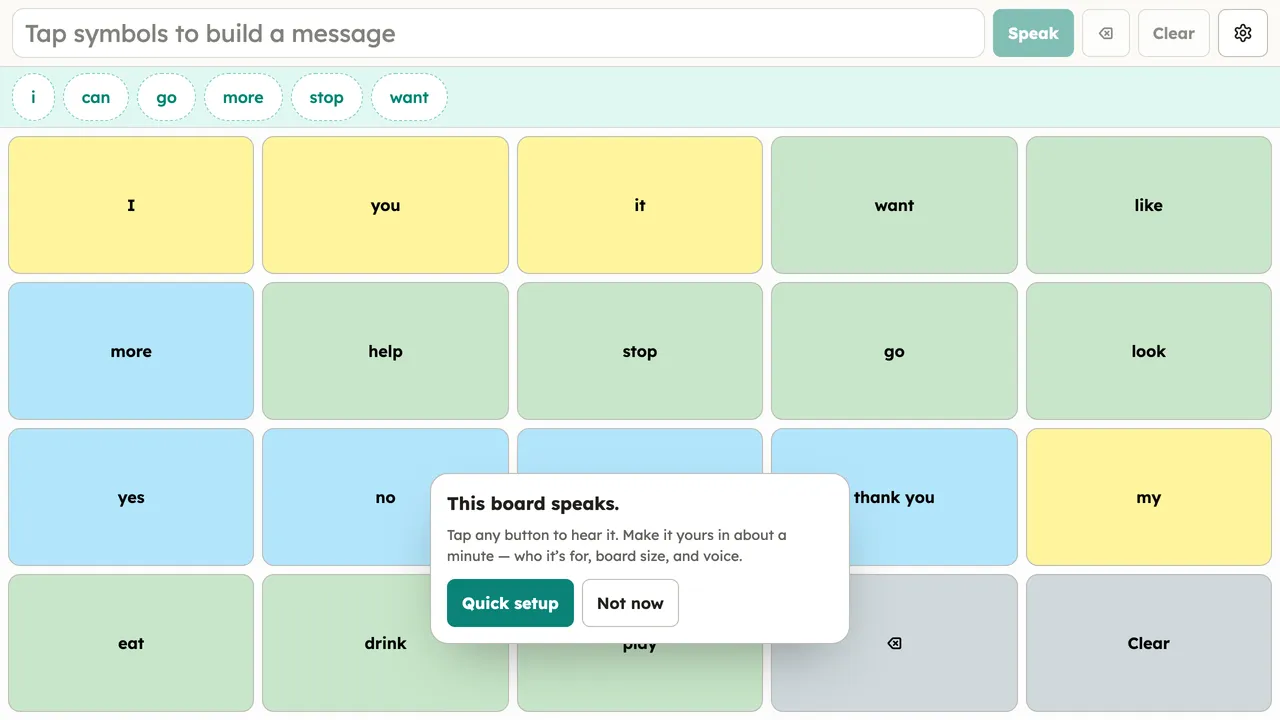
Go to app.publicaac.org in any modern browser. A ready-to-use core words board loads and speaks when tapped.
Make it theirs (optional, one minute)
The first-run card offers a three-step quick setup: whose board this is, how many buttons to start with, and which voice. Skip it freely — everything lives in Setup too.
Install it (optional)
Add it to the home screen or install it from the browser menu for a full-screen app with its own icon — step-by-step per platform. Installed or not, it works fully offline after the first load.
Native iOS, Android, and desktop apps are in development and will ship from the same open codebase. Deeper guides live in the help pages.